You can add reports to the category's dashboard and it helps you accessing all the reports in one place.
To add components to a dashboard, follow these steps:
- In the Reporting Workspace pane, expand a category.
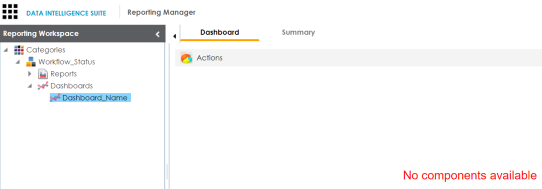
- Expand the Dashboards node and click a dashboard name to add a component to it.
- Click Actions.
- Click Add Components.
- Click
 .
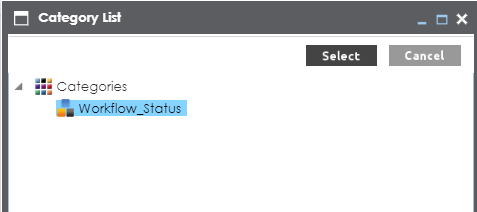
. - Select a category and click Select.
The following page appears.
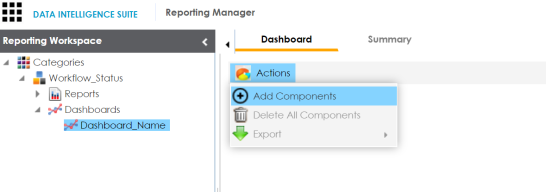
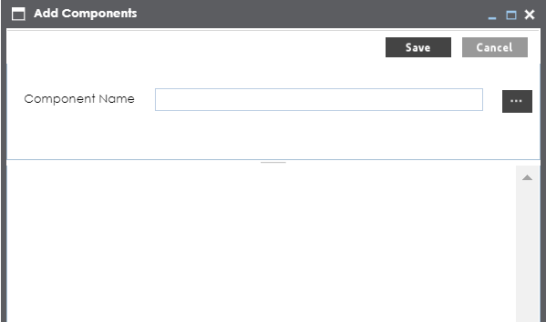
The Add Components page appears.
The Category List page appears.
The reports in the category are added to the dashboard.
|
Copyright © 2022 Quest Software Inc. |